Many techniques that enable participation in a physical setting can work equally well in the virtual environment. For example:
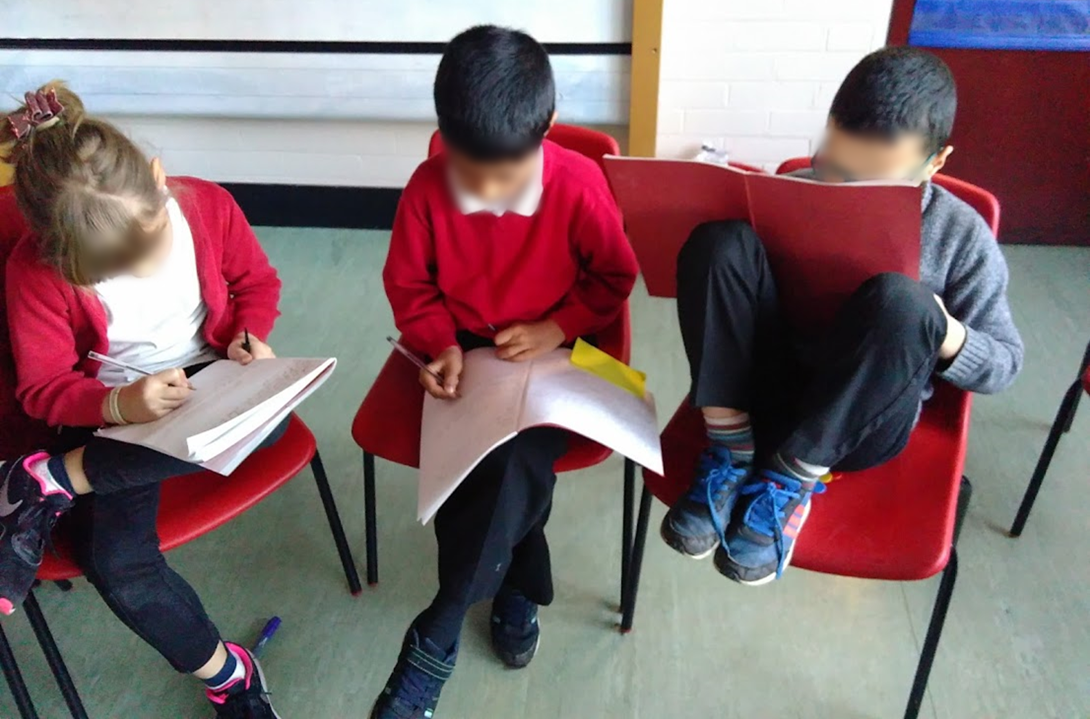
Give thinking time before you ask for responses to your question. Suggest that participants write a few notes while they are thinking. Then invite a few people by name - they can read from their notes if they want to.
Use random selection to sometimes decide who responds. l write everyone’s names on lolly sticks as they arrive in the Zoom. Before you ask your question, tell participants you’ll be picking one of them at random AND that they’ll have thinking time.
At the beginning, ask everyone to go find a green object and a red object. During the discussion, if they agree with what’s being said they can hold up the green object, and if they disagree they can hold up the red object (see previous post). You can prompt them to do this at key moments.